
Player for Media
Overview:
The Player for Media functionality in PBX.IM allows you to listen to recorded calls directly within the PBX.IM platform. This feature is designed to offer seamless navigation through recordings by enabling playback controls such as play, pause, forward, and rewind. These controls make it easier to locate and review specific parts of a conversation without having to listen to the entire recording from start to finish.
Table of Contents
How do I start using Player for Media?
To start using Player for Media, follow these steps:
Log in to your PBX.IM account.
Go to Call Logs.
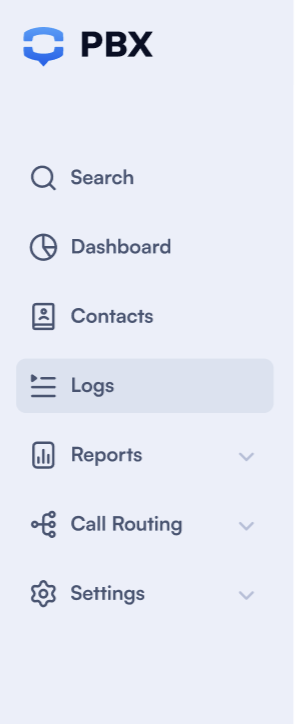
- Filter the Call Logs by date, phone number, value, or name to find the call you want.

- Select a call and click the recording you want to listen to.

What features does Player for Media offer?
The PBX.IM Player for Media offers a range of features to ensure smooth and efficient playback of recorded calls.
View call duration
The player clearly displays the total duration of the call recording, helping you understand the length of the conversation and manage your time while listening.

Playback controls
- Play & Pause — Start and stop playback at any moment.
- Rewind & Forward — Move backward or forward through the call to quickly find specific sections without starting over.
Playback speed
Play a recording faster or slower to suit how you're reviewing it. Speed up to skim a long call, or slow down to catch a detail.
Choose from the following playback speeds:
- 0.5x
- 0.75x
- Normal
- 1.25x
- 1.5x
- 2.0x
The same speed control is available when reviewing a call's transcription.
Mono / Stereo playback
Calls are recorded with each side of the conversation on its own channel. A Mono / Stereo toggle in the player lets you choose how to listen.
- Stereo keeps the two parties separated across the left and right channels, making it easier to distinguish between the agent and the caller.
- Mono blends both sides into a single channel.
You can switch between Mono and Stereo at any time during playback.
Volume control
Adjust the playback volume directly within the player. Whether you need to increase the audio for clarity or lower it for discretion, the volume control lets you customize your listening experience.

Download option
Need to keep a local copy?
The PBX.IM player includes a Download button, allowing you to save the call recording to your device for offline access, archival, or sharing within approved channels.
View the call transcription & summary
Recorded calls can also be turned into an AI transcription and written summary, started directly from the same call in Call Logs.
When a call is eligible (longer than 30 seconds, recorded in stereo, and permitted by your transcription settings), a transcription icon appears next to it and moves through the following states:
- Create Transcription
- Transcription in Progress
- See Transcription
Opening it displays the written transcript beside a synchronized media player, allowing you to read and listen at the same time.
Transcription is available on paid plans.

[!NOTE] Who can play and download recordings.
As an Admin, you can listen to all agent and user recordings.
As an Agent, you can only listen to your own recordings.
Admins also control access through two special permissions:
- Show/Play call recording in CDR
- Download call recording in CDR
If a role isn't granted Show/Play, users won't see the play button at all, and Download can only be granted together with Show/Play, so users who can't play a recording also can't download it.
Related: Call Transcription · Call Monitoring (live listen, whisper, and barge on active calls).
If you need any help, don't hesitate to reach out to our support team.