Endpoints
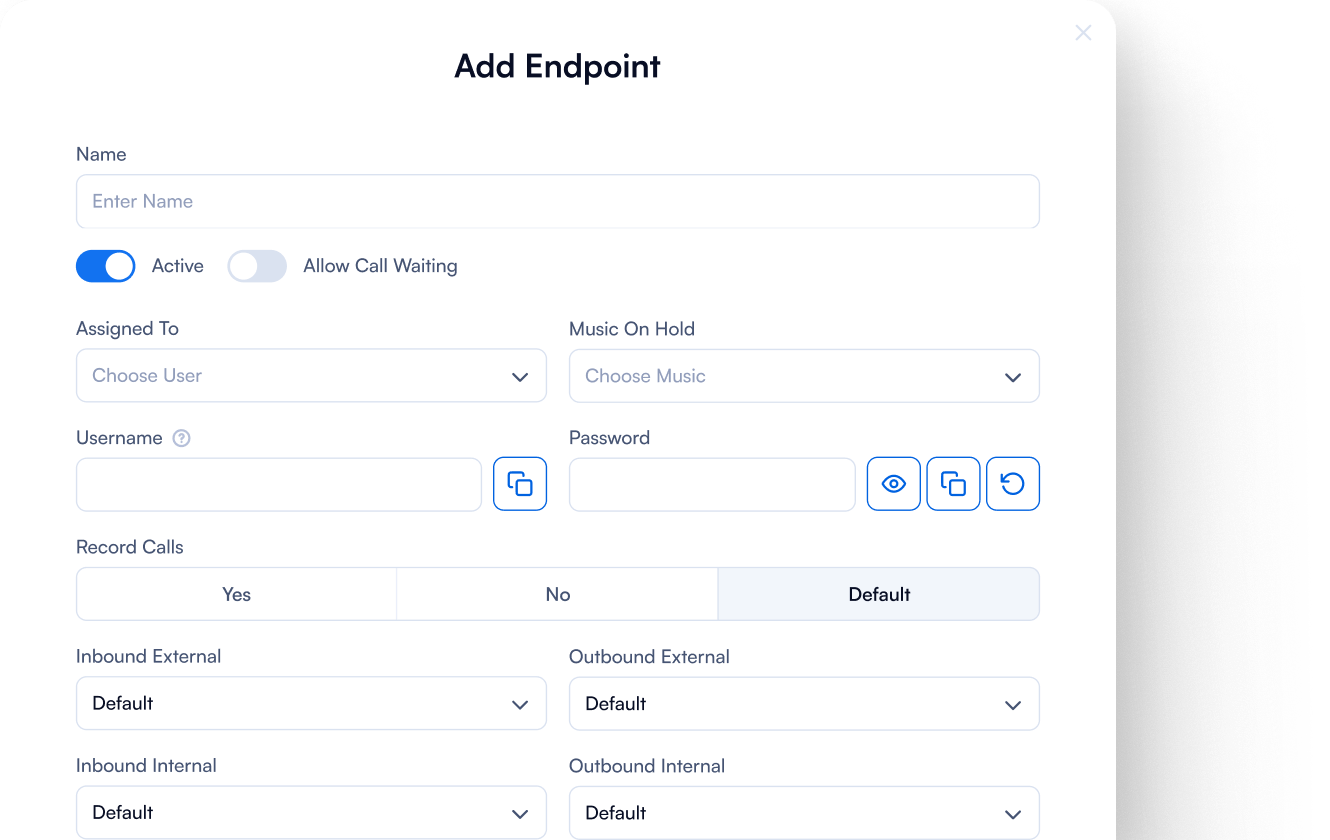
In a PBX system, an endpoint is simply where a call begins or ends, whether that’s a desk phone, a softphone app, a mobile device, or even a webphone, apps that runs directly in your browser.
PBX.IM gives you the flexibility to connect any endpoint you need, so your team can make and receive calls seamlessly across devices, locations, and networks.

Connect any endpoints easily with PBX.IM
Link desk phones, softphones, mobiles, and SIP devices in seconds.
Connect all types of devices
Bring desk phones, mobiles, and softphones together in one system. Your team stays connected and ready, wherever they work.
Expand flexibly as you grow, add new devices or locations without limits.

Quick and seamless setup
Skip complex installations and long onboarding.
With our plug-and-play cloud setup, you can add new devices or users in minutes and keep your team productive from day one.
Monitor your extensions
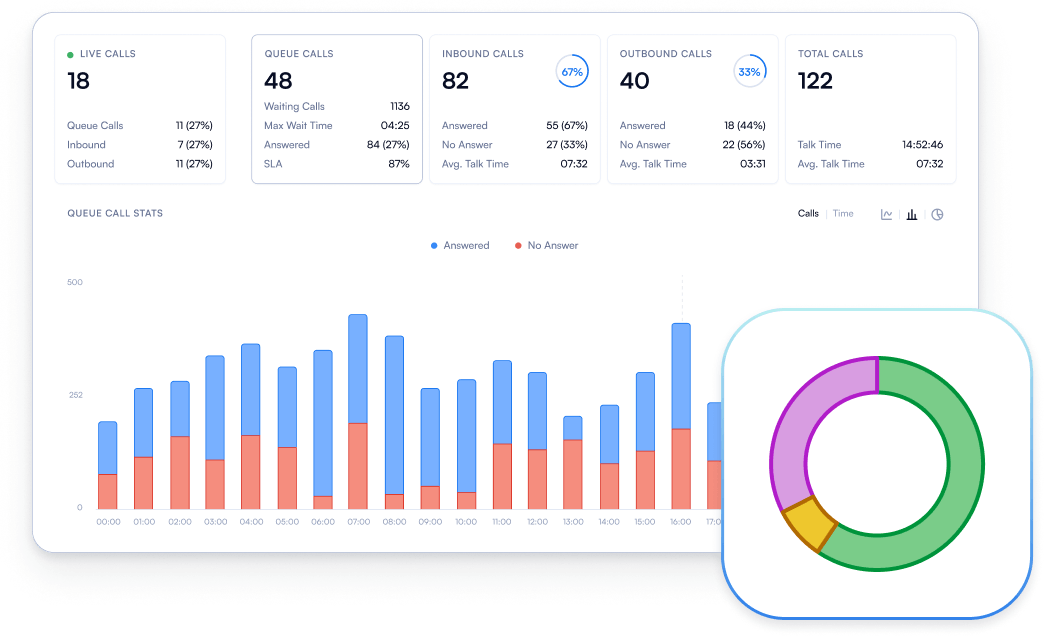
Get full visibility into calls and performance with live dashboards and detailed analytics.
Track quality, usage, and agent activity in real time to optimize operations and deliver a better customer experience.

Frequently Asked Questions
How do I set up my endpoint?
How do I set up my endpoint?
To set up your endpoint, you need to configure it with the SIP credentials provided by PBX.IM. Go to ‘’Settings’’, click on ‘’Endpoints’’ and ‘’Add Endpoints’’. In that form, you will receive the username and password that you can use to add to your device’s settings. For IP phones, you might do this through the phone’s web interface or directly on the device. Softphones typically have an account settings section where you can input this information. You can also get the username and password by clicking on an existing endpoint.
What should I do if my endpoint isn’t registering with the PBX.IM server?
What should I do if my endpoint isn’t registering with the PBX.IM server?
If your endpoint isn’t registering with the VoIP server, first check your internet connection to ensure it’s stable. Next, verify that the SIP credentials (username, password, and server address) are entered correctly. Ensure that no firewall or network issues are blocking the connection. Restart your endpoint to see if that resolves the issue. If the problem persists, contact us.
Can I use my endpoint from different locations, like home or office?
Can I use my endpoint from different locations, like home or office?
Yes, you can use your VoIP endpoint from different locations. If you’re using a softphone or mobile app, simply connect to the internet and log in with your SIP credentials. For hardware IP phones, as long as they are connected to the internet and properly configured, they should work from any location. However, for added security, especially when working remotely, it’s recommended to use a VPN to connect to your server securely.