Click-to-Call: Start Conversations with a Single Click
Click-to-Call lets your team start calls directly from the tools they use every day, whether it is a CRM, helpdesk or any business application. No switching between apps and no manual dialing.
Every second counts, which is why customer interactions, including calls, should be managed seamlessly within your preferred platform.
What is Click-to-Call Feature?
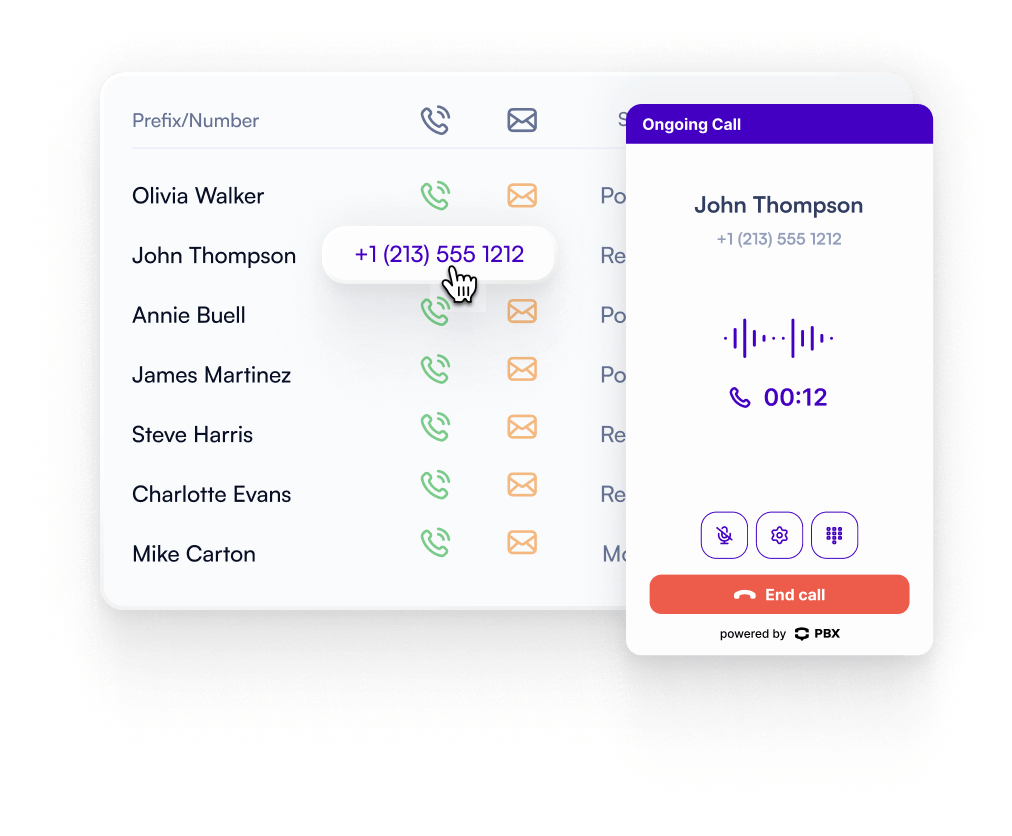
Click-to-Call is a PBX.IM capability that allows users to initiate calls directly from their business applications. It removes the need to copy and paste numbers or dial manually, making communication faster, reducing errors, and keeping every interaction within the platform your team already works in.
Improve Agent Efficiency With Instant Connections
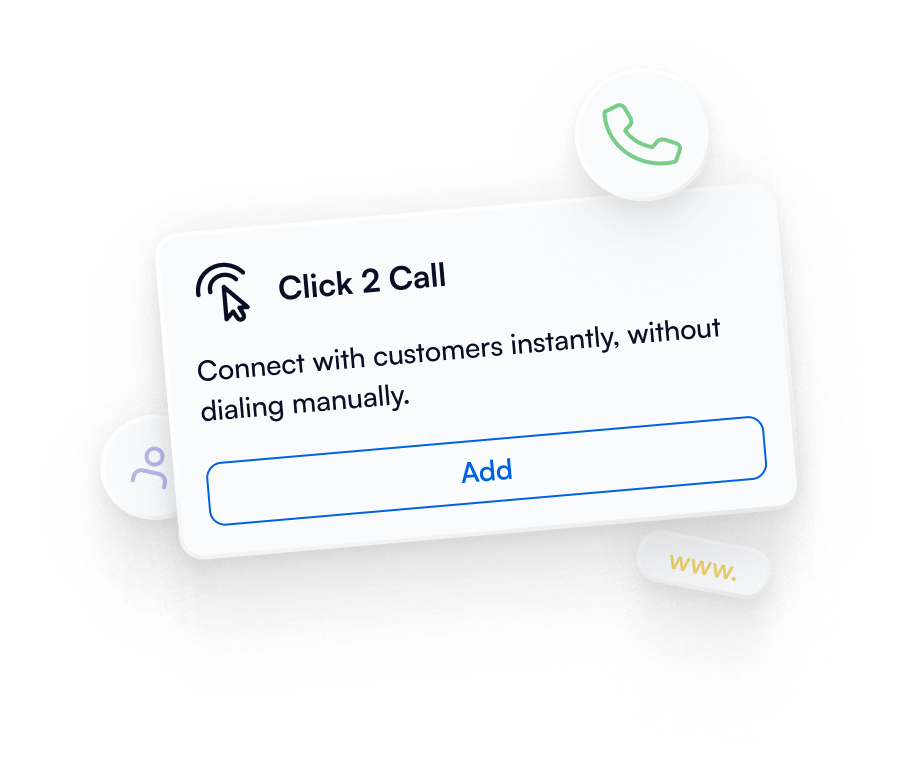
Connect with customers instantly using click-to-call, without dialing manually. Reduce errors, save time, and let your team focus on what matters most: building relationships, not managing numbers.

Custom Click-to-Call URLs
PBX.IM generates a unique URL for every Click-to-Call setup. Link it to any button or element across your website, CRM, or any system

Add to Any Button, Any System
Decide exactly where and how your Click-to-Call button appears. Embed call functionality anywhere.

Full Control, Maximum Flexibility
Take complete control over your Click-to-Call setup. Adjust it to match your workflow, and ensure your team has the most efficient calling experience possible.

Perfect for External Integrations
Embed Click-to-Call anywhere. Integrate seamlessly with your CRM, website, or any other system, so your call functionality works wherever your team or customers need it.
See Why Businesses Trust Us
“One of the things I appreciate most is how easy it is to self-manage. I was able to set up everything myself without needing to hire any outside help, which saved us both time and money. It’s helped us close deals faster and provide better service, which our customers really appreciate.”

“It’s been a great experience and a smart investment. It’s helped us close deals faster and provide better service, which our customers really appreciate. If you’re running a growing business and want more control over your communications, I highly recommend this system!”

“What really sets them apart is their top notch support. The team clearly knows VoIP inside and out, and every interaction we’ve had has been fast, professional, and incredibly helpful. It’s rare to find a provider that combines excellent tech with equally excellent service.”
How to Use Click-to-Call?
Getting started is simple: sign up for PBX.IM, generate your unique Click-to-Call URL, and add it to any system, your website, CRM, or helpdesk, for instant customer connections.
1. Sign Up to PBX.IM
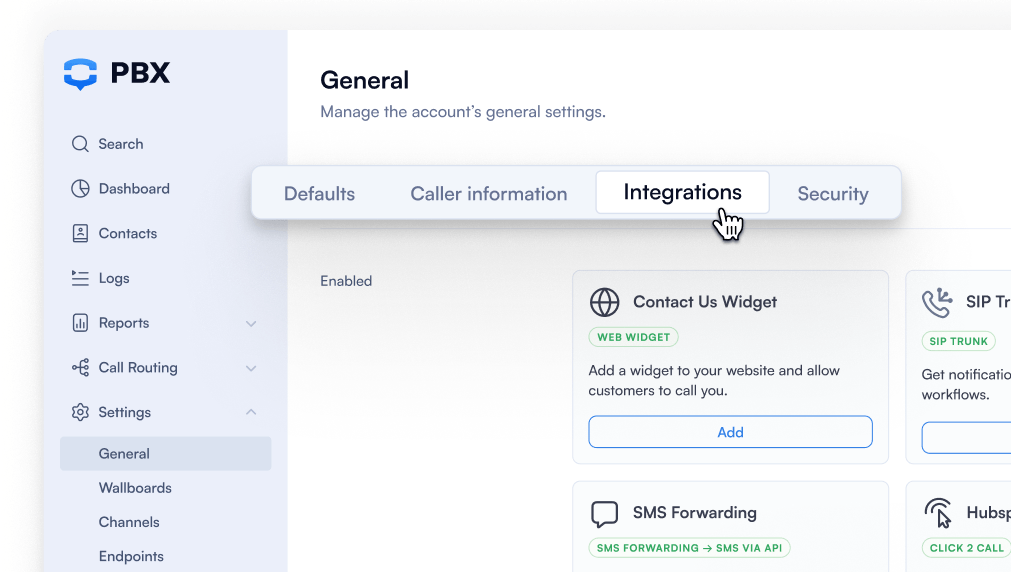
Sign up or log in to your account, go to Integrations, and click Add Web Widget.
The configuration panel will appear with settings.


Connected to Any Business Tools
PBX.IM Click2Call integrates seamlessly with your existing business tools, CRM, helpdesk, website, or internal systems. Make calls directly from the platforms your team already uses, ensuring efficiency without changing workflows.
 Microsoft Teams
 Intercom
 Hubspot
 Notion
 Zoho
Zoho Salesforce
 Shopify
 Help Scout
 Gorgias
 Zapier
 Front
Front Slack
Slack Kustomer
 Freshdesck
 monday.com
 Copper
 Pipedrive
 noCRM.io
 Microsoft Dynamics
 Zendesk
Add the widget to your website in minutes. Connect visitors instantly with the right agent,
boost engagement, and never miss a lead - easy to set up and fully customizable for your brand.
Discover other VoIP Features


Contact Us Widget
Add a customizable widget to your site so customers can reach your team instantly.

AI Auto Dialer
Automatically dials numbers from your contact list and routes answered calls to available agents.

Auto Attendant
Interactive voice menus that greet callers and route them to the right destination.

Call Routing
Distribute calls based on rules, skills, or availability to improve response times.

Call Monitoring
Tracks call performance and provides managers with insights on ongoing calls.

Endpoints
Register and manage desk phones, softphones, or mobile devices for seamless connectivity.
Click2Call FAQs
How does click-to-call work?
How does click-to-call work?
Click-to-Call allows users to start a phone call instantly by clicking a button, link, or URL, without manually dialing. The call connects automatically to your agents through PBX.IM.
What are the benefits of click2call?
What are the benefits of click2call?
It saves time, reduces dialing errors, improves agent efficiency, and ensures every call is tracked within your workflow.
How to integrate Click-to-Call with CRM?
How to integrate Click-to-Call with CRM?
PBXIM provides a unique Click-to-Call URL or API that can be embedded directly into your CRM. Once integrated, agents can make calls directly from customer records with a single click.
What is the difference between click-to-call and click-to-dial?
What is the difference between click-to-call and click-to-dial?
Click-to-Dial typically initiates calls from a softphone or desk phone within a system, while Click-to-Call connects the customer directly to an agent via a URL or button, often from a website or CRM.
What is click-to-call API?
What is click-to-call API?
The Click-to-Call API allows developers to integrate PBX.IM calling functionality into custom applications, websites, or CRM systems, giving full control over call initiation, routing, and tracking.
How to create a click to call link?
How to create a click to call link?
Within PBX.IM, generate a unique Click-to-Call URL in your setup. This URL can be linked to any button, link, or element on your website, CRM, or system to start calls instantly.
Does click-to-call software require extensive training?
Does click-to-call software require extensive training?
No. PBX.IM Click-to-Call is designed for simplicity. Agents can start making calls with minimal guidance, and advanced features like IVR or extensions can be adopted gradually.